This article covers the basics of accessing your WellDesk account — logging in, resetting a forgotten password, and registering a new owner account. If you’re a staff member who received an invitation, see Staff Invitations.
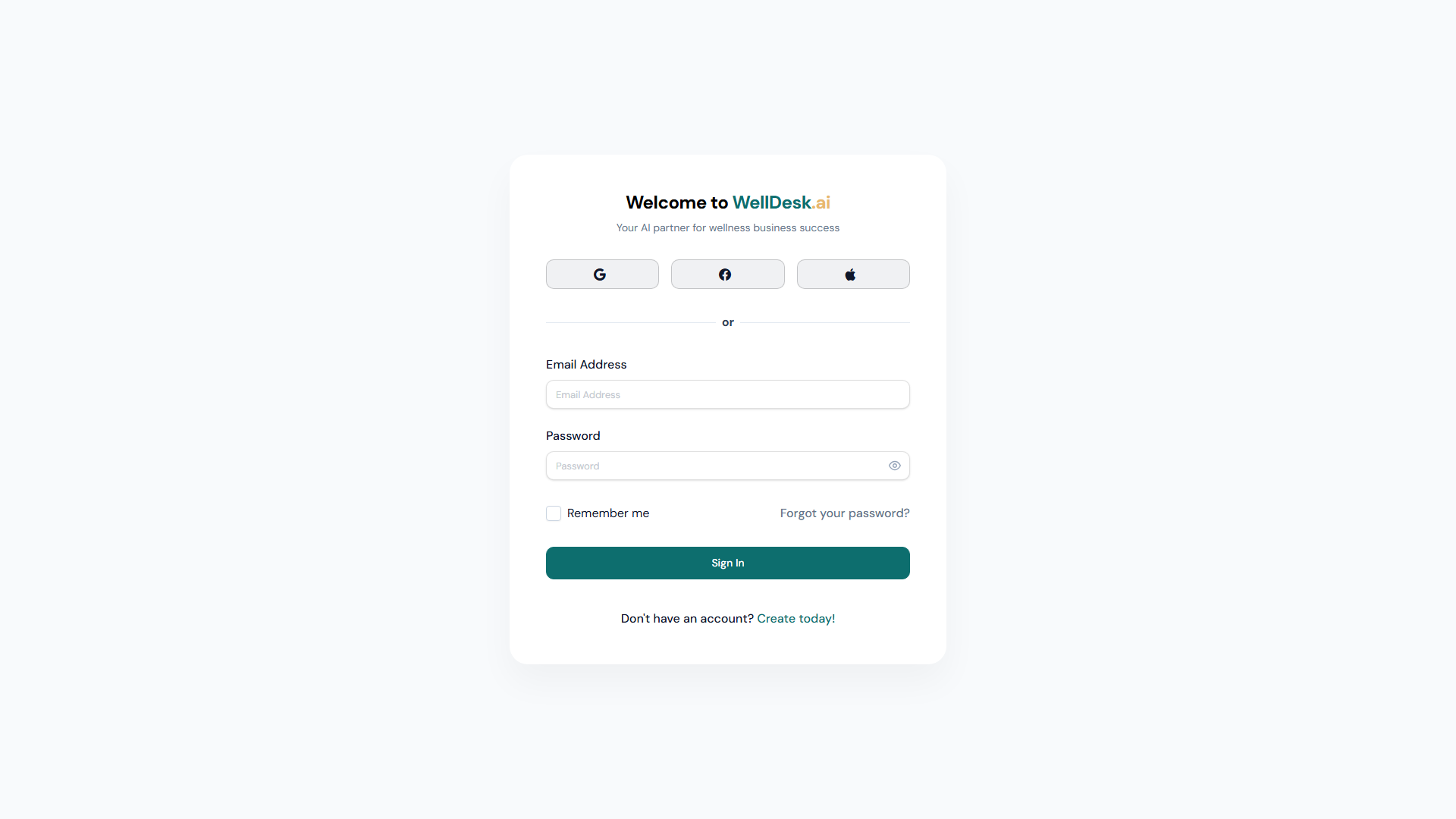
Logging in
- Go to welldesk.ai.
- Click Log In in the top right corner of the navigation.
- Enter your Email Address and Password.
- Click Log In.
You’ll be taken to the WellDesk dashboard. If your account belongs to multiple businesses, you’ll be prompted to select which one to open.
Staying logged in
Tick Remember me on the login page to stay logged in for 30 days without entering your credentials again. Only use this option on personal devices — never on shared or public computers.
Resetting your password
If you’ve forgotten your password:
- On the login page, click Forgot your password? below the password field.
- Enter your email address.
- Click Send Reset Link.
- Check your inbox for an email from no-reply@welldesk.ai with the subject “Reset your WellDesk password”.
- Click Reset Password in the email.
- Enter and confirm your new password.
- Click Save New Password.
Password reset links expire after 1 hour. If yours has expired, start the process again from step 1.
Tip: If you don’t receive the reset email within 2 minutes, check your spam or junk folder. Add
no-reply@welldesk.aito your contacts to prevent future emails from being filtered.
Changing your password
When you’re already logged in and want to update your password:
- Click your name or avatar in the top right corner.
- Select Account Settings.
- In the Security section, click Change Password.
- Enter your Current Password, then your New Password twice.
- Click Save Changes.
WellDesk requires passwords to be at least 8 characters long. Using a mix of letters, numbers, and symbols makes your account significantly more secure.
Logging out
Click your name or avatar in the top right corner and select Log Out. You’re redirected to the WellDesk homepage.
For security, log out after every session if you’re using a shared computer.
Registering a new owner account
New accounts are created at welldesk.ai — click Start Free Trial on the homepage.
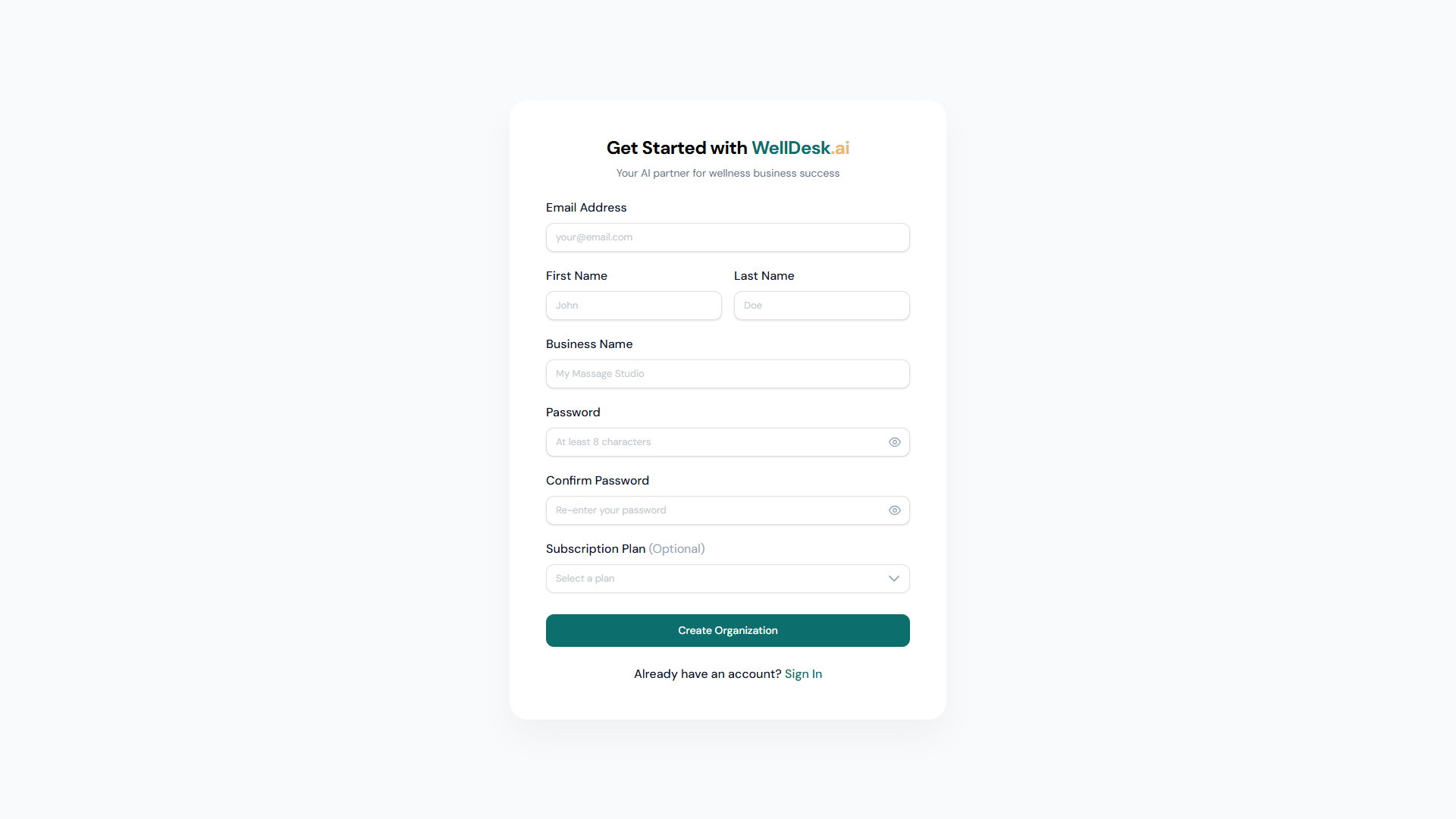
Registration requires:
- Your full name
- A business name
- Your email address
- A password
After registering, you’ll receive a verification email. Click the link inside to activate your account. See Creating Your Account for a full walkthrough.
Security best practices
- Use a unique password — don’t reuse passwords from other services.
- Enable two-factor authentication (2FA) — available in Account Settings → Security. 2FA requires a one-time code from an authenticator app each time you log in.
- Don’t share login credentials — each team member should have their own account (invite staff via Staff → Invite Staff Member).