Every booking carries a status. Keeping it current is what makes your calendar trustworthy and your commission figures correct.
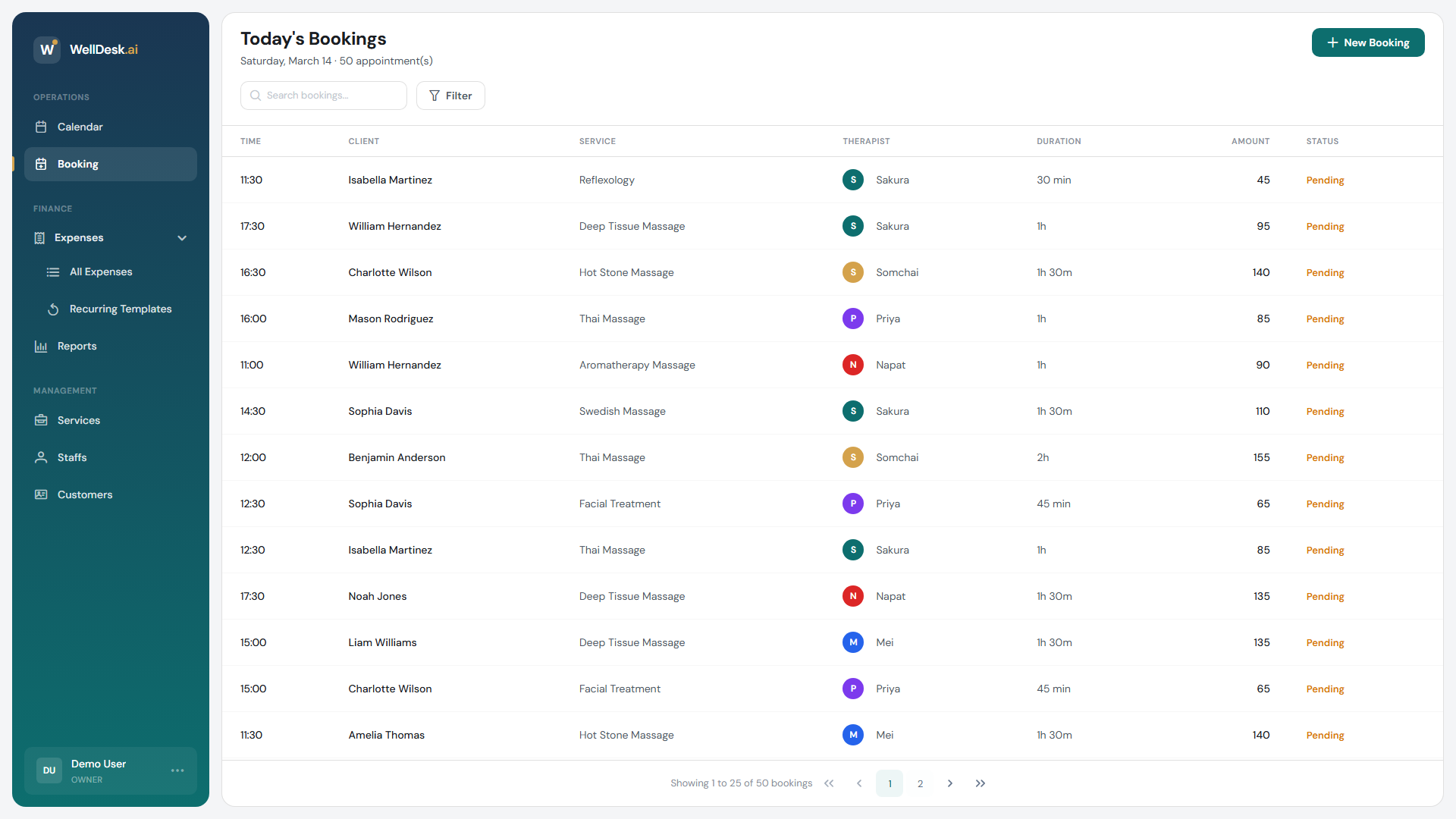
The four statuses
| Status | What it means |
|---|---|
| Pending | The appointment is booked and upcoming. Every new booking starts here. |
| Completed | The appointment happened. This is the status that counts towards revenue and commission. |
| Cancelled | Called off, by you or by the customer. |
| No-show | The customer did not arrive and did not cancel. |
That is the whole list. There is no “Confirmed” status — a booking does not need approving, and a new booking is never anything other than Pending, however it was made and whatever your auto-confirm setting says.
So “Pending” here does not mean awaiting your approval. It means not yet happened.
Completing a booking
This is the one you will do every day. Completing a booking is also where payment is recorded, so it is a single step rather than two.
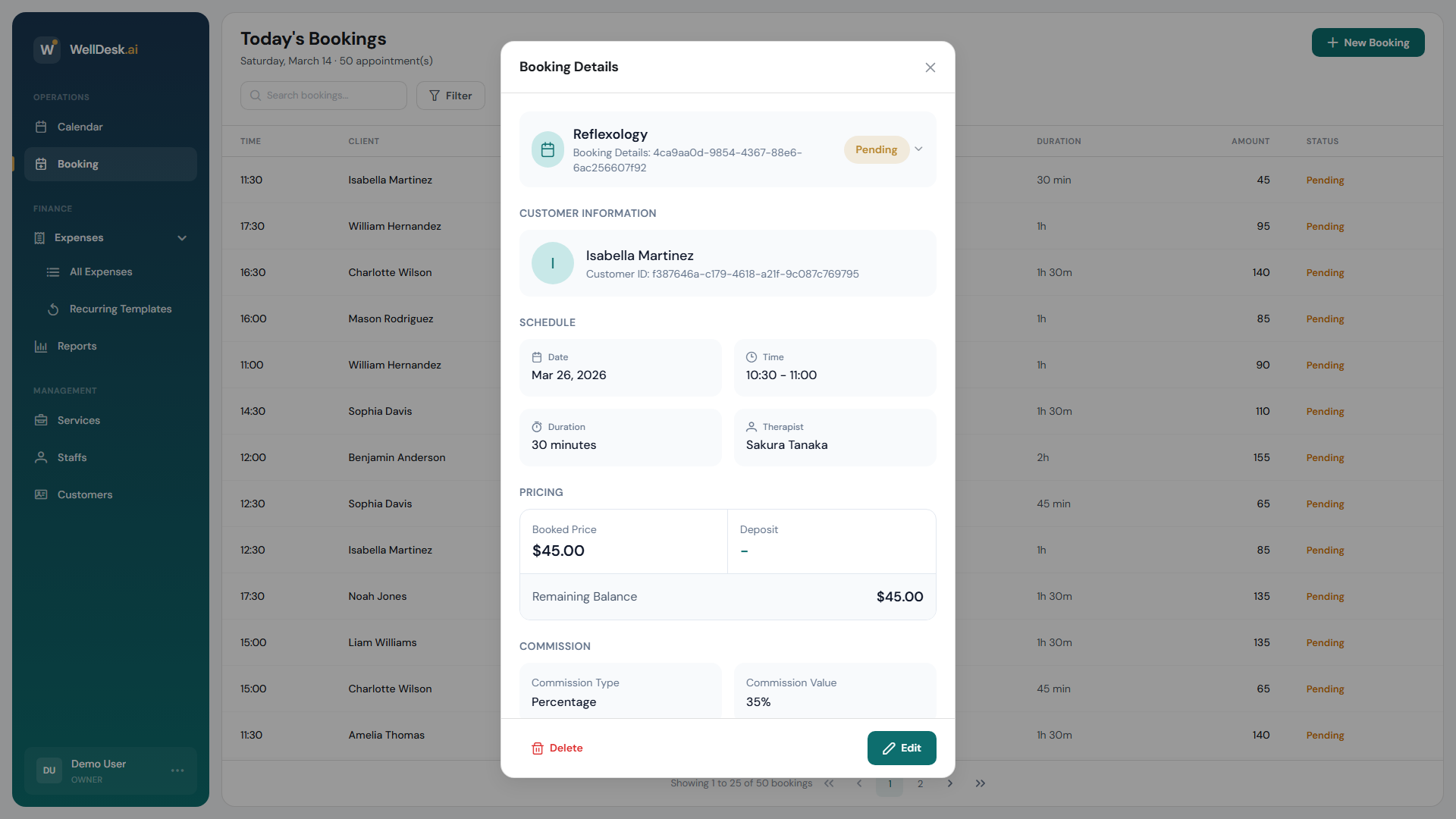
- Open the booking, from the Booking list or by clicking it on the Calendar.
- Click Complete Booking.
- Record how the customer paid — Cash, Card or Gift Card — along with the amount received, any tip, and change given.
- Confirm.
The booking moves to Completed and the payment is attached to it.
If a deposit was already paid online, the dialog shows it and the balance still due.
Cancelling a booking
- Open the booking.
- Click Cancel Booking.
- Optionally give a reason — it is stored with the booking, along with who cancelled it and when.
- Confirm.
Record a customer who simply did not turn up as No-show rather than Cancelled. It costs you nothing at the time and tells you later whether one person is doing it repeatedly.
What this does to your reports
- Completed bookings are the ones that count as revenue and drive commission.
- Cancelled and No-show bookings do not.
- Pending bookings are appointments that have not happened yet — they are not earnings.
This is why an unmarked booking matters: a day of appointments that all took place but were never completed shows up as a day with no takings, and the therapists who worked it earn no commission in the report.
Do it the same day. Marking bookings Completed as you go takes seconds. Reconstructing a week of them from memory does not.
What you can change, by role
Owners and Admins can update any booking. Someone with the Staff role works on their own appointments, and whether they can see anyone else’s at all depends on View Other Staff Bookings under Settings → Shop → Staff.