This is the short version: what to do, in what order, to go from a new account to a booking page you can put in your Instagram bio.
1. Create your account and verify your email
Register at welldesk.ai, then click the link in the verification email — you cannot log in until you do. A short wizard follows, covering your timezone, contact details, address and logo.
Full walkthrough: Creating Your Account.
2. Add at least one service
Services → Add Service. A service needs a name and at least one pricing tier — a duration and a price.
This is the step that unblocks everything else. With no service, there is nothing to book, and your booking page has nothing to show.
See Adding a Service.
3. Check your opening hours
Settings → Shop → Business Hours. Switch on the days you open and set Opens and Closes.
If you close over midday, add a second interval for that day rather than one long stretch — otherwise you are telling customers they can book at 14:30.
See Business Hours.
4. Make sure someone is bookable
Under Settings → Shop → Staff:
- Working alone? Show Owner in Bookable Staff has to be on, or your page has nobody to book.
- Have colleagues? Invite them from Team → Members. They are bookable as soon as they accept. See Inviting Team Members.
You do not need to set schedules. Anyone without one is bookable during your shop’s hours, which is usually right.
5. Share your booking page
Your page is live at your own web address. Put it in your Instagram bio, on WhatsApp, on your website and on your Google Business Profile.
Then, when you have time
- Add photos to your services — reopen a service after saving to upload them.
- Write your team’s bios — customers choose people they can read something about.
- Fill in your shop’s page content so it reads like your business rather than a template. See Customising Your Shop Page.
Common questions
Do I have to add my existing customers first? No. Records are created as people book, and you can add someone by hand any time. If you already have a list, see Importing Customers.
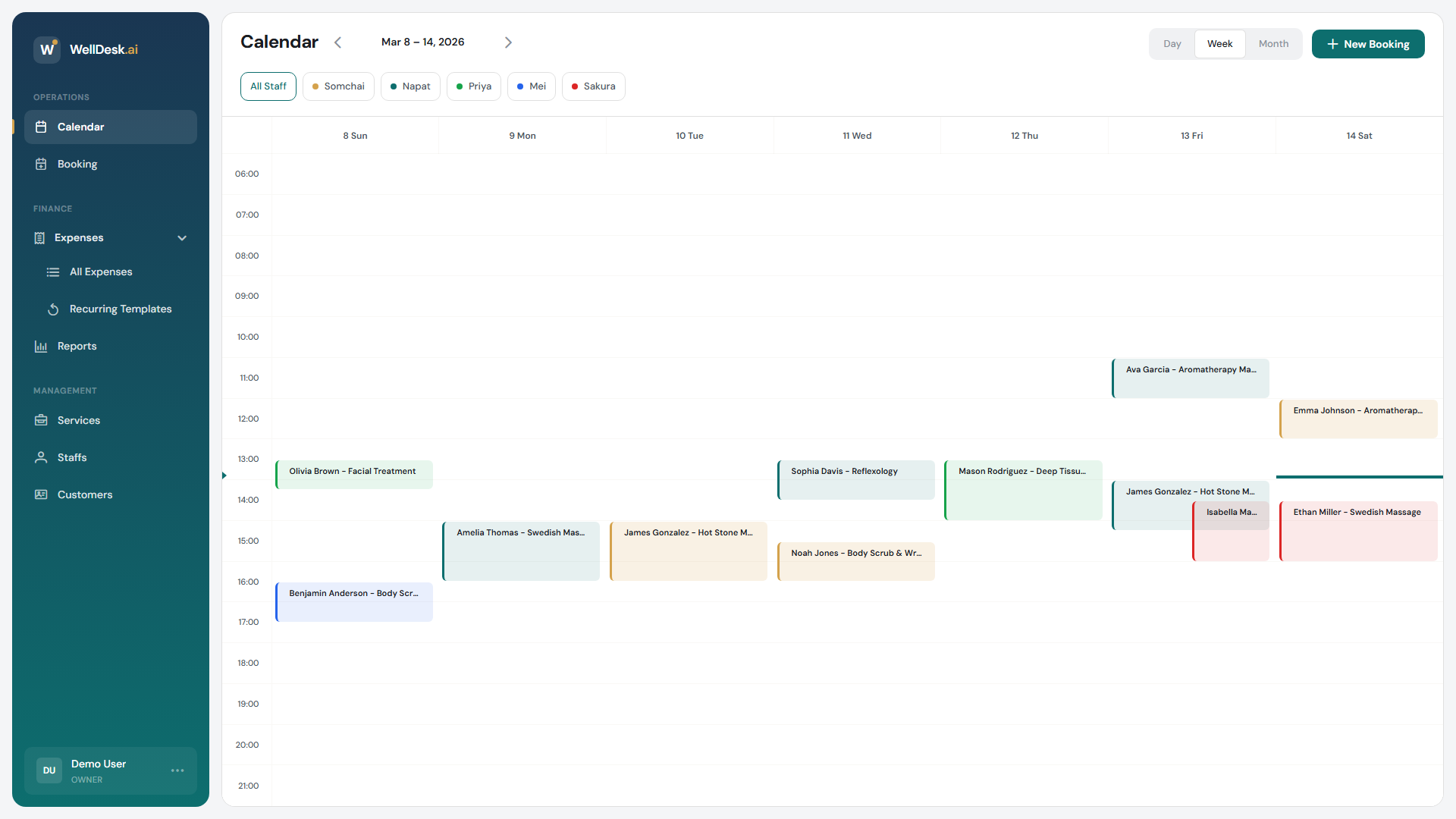
Can I take bookings myself as well as online? Yes — New Booking on the Calendar. See Creating a Booking.
What if I am not ready for customers to book yet? Switch Accept online bookings off under Settings → Shop → Booking. Your page stays visible; the Book Now button points people at WhatsApp instead. See Booking Settings.