Your booking page is a page of your own on the web, where customers browse your services and book a time without messaging you.
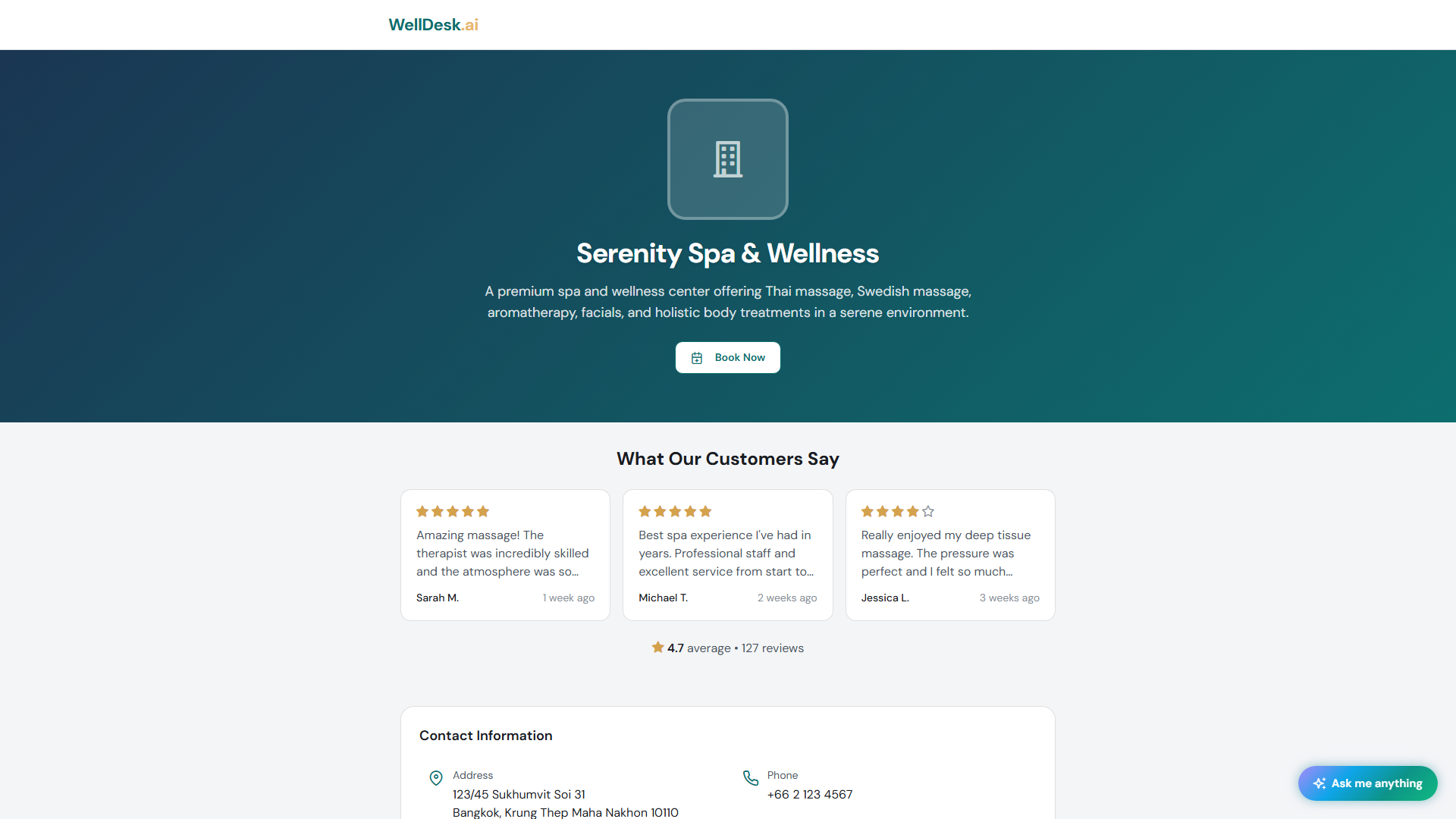
Your address
Every shop gets its own subdomain:
https://your-shop-name.welldesk.aiFind and change it under Settings → Shop → Shop Details, in URL Slug. Only lowercase letters, numbers and hyphens, starting and ending with a letter or number.
Changing the slug breaks every link you have already shared. Bookmarks, your Instagram bio, the QR code on your counter. Pick one you can live with, early. Only the Owner can change it.
What a customer does
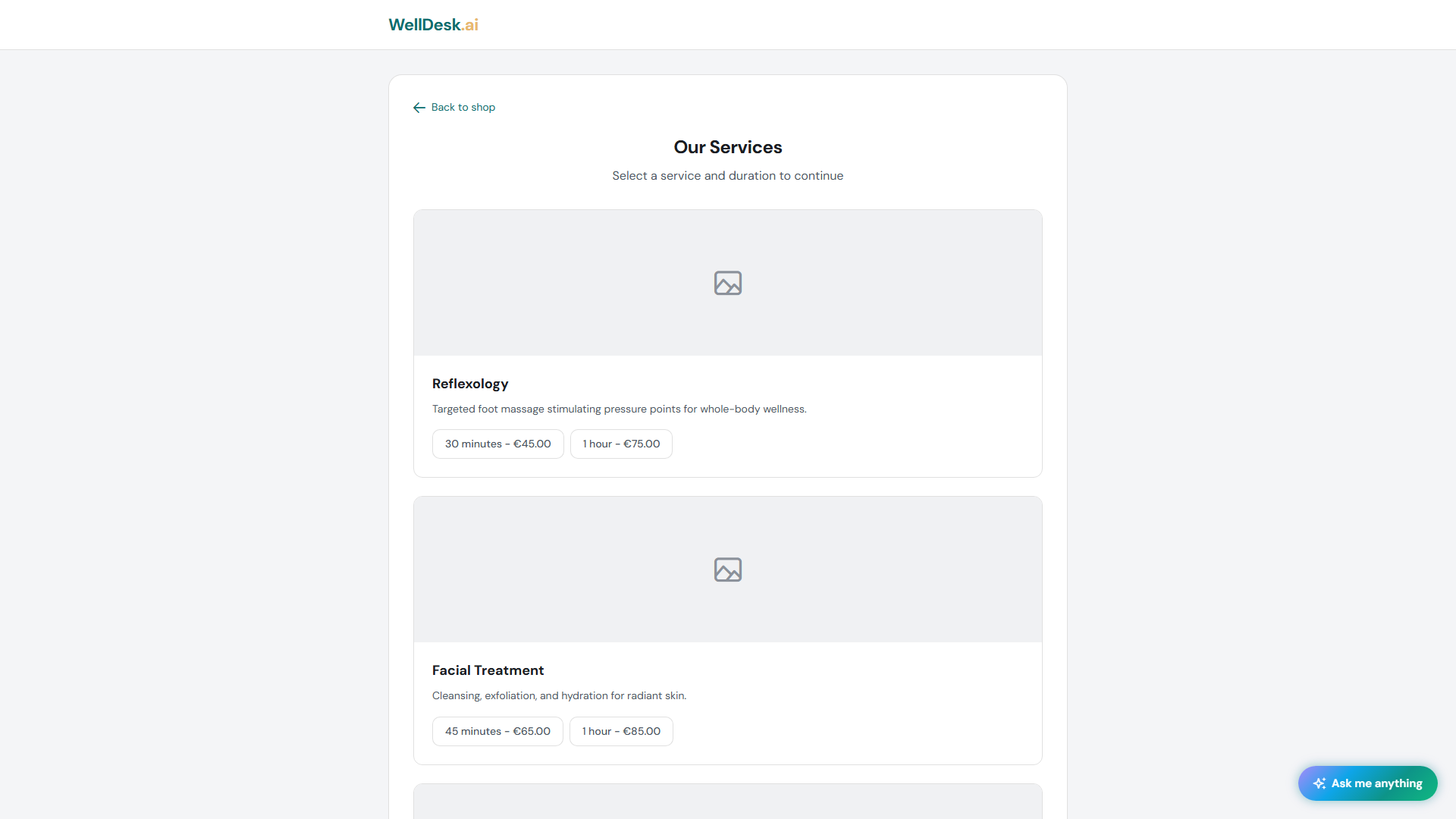
- Chooses a service — your treatments, with descriptions, photos and prices.
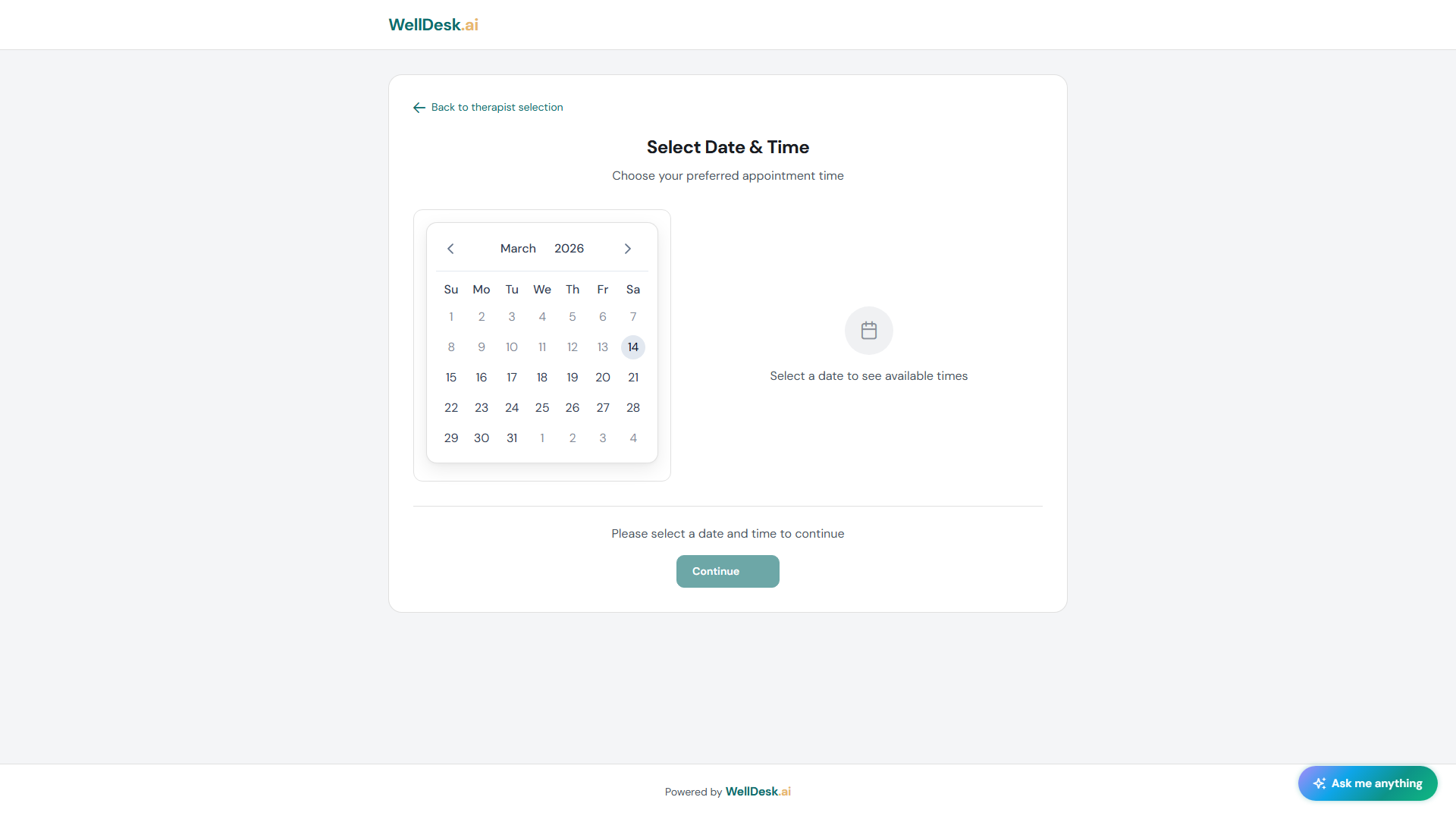
- Picks a date and time — they choose when first, and then see who is actually free.
- Enters their details and confirms.
They get a confirmation email and a calendar invite. The booking appears on your Calendar immediately.
Choosing a date and time:
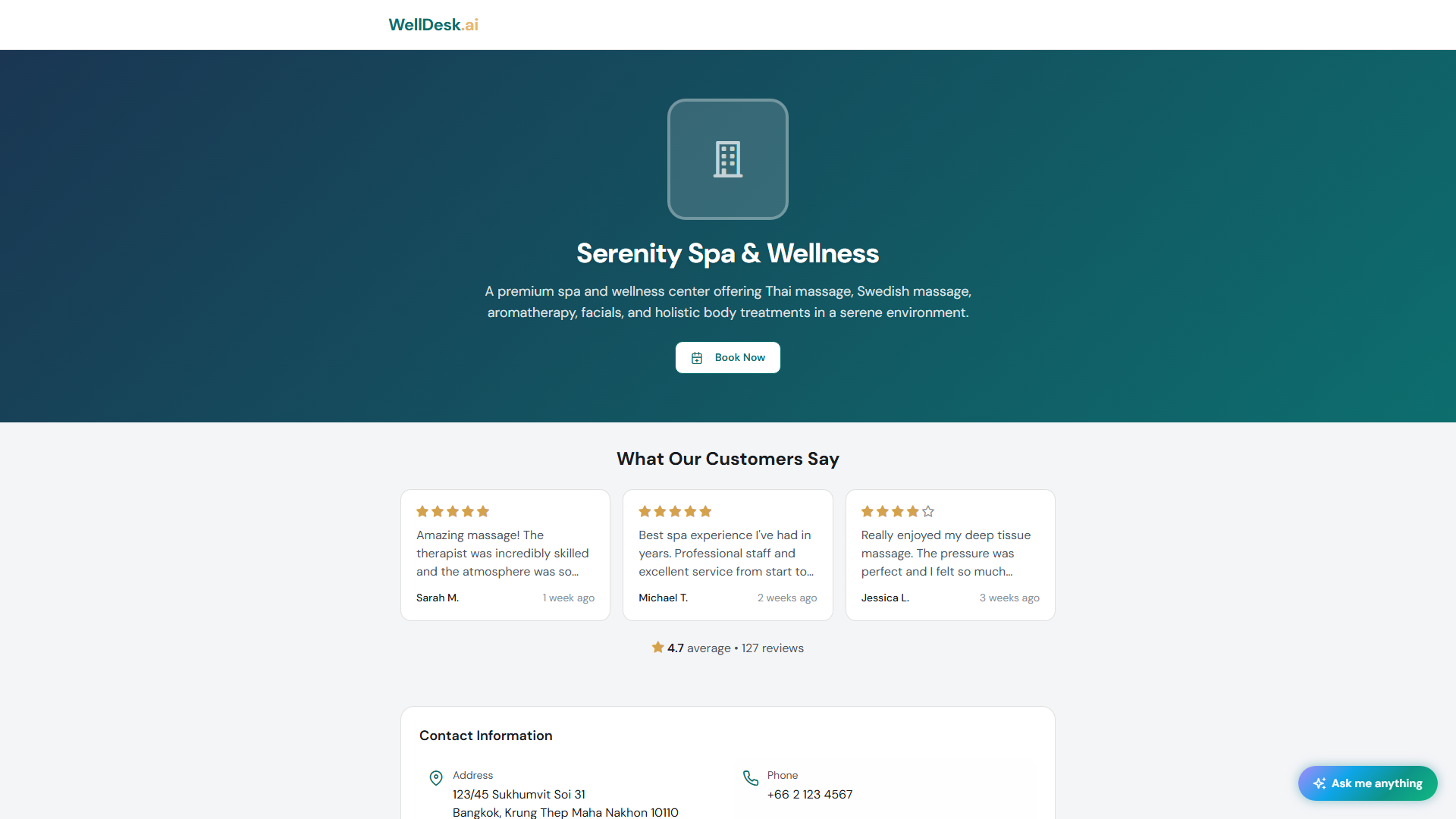
And the confirmation they get:
Anyone who cannot take the appointment is shown greyed out with a short reason, rather than vanishing — so a regular sees their usual therapist is off that day instead of assuming they left.
Your page is in their language
If your shop offers more than one language, the page opens in the visitor’s own language when you have content for it, and they can switch. Set this up under Settings → Shop → Regional, and write service names and descriptions per language.
Where to put the link
The link only works if people meet it. In rough order of value for a small shop:
- Instagram bio — the single highest-value spot for most wellness businesses.
- Google Business Profile — as your website or appointment link. People searching “massage near me” are ready to book now.
- WhatsApp — in your business profile, and as your reply when someone asks “do you have anything Thursday?”
- Your own website — a Book Now button in the header.
- In the shop — on your counter, your card, your window.
Treat it like your phone number: it goes wherever your name goes.
Pausing bookings without disappearing
Going away, or fully booked? Switch Accept online bookings off under Settings → Shop → Booking. Your page stays up — services, team, hours, photos, contact details — so you keep your place in search results, and the Book Now button switches to messaging you on WhatsApp or LINE.
See Booking Settings.
Tips
- Book yourself, on your phone. It takes two minutes and it is the only way to see what your customers see.
- Send the link instead of asking “when suits?” It ends the back-and-forth, and it works at eleven at night.
- Do not change your slug casually. It is the one setting with consequences you cannot undo.